背景介绍:
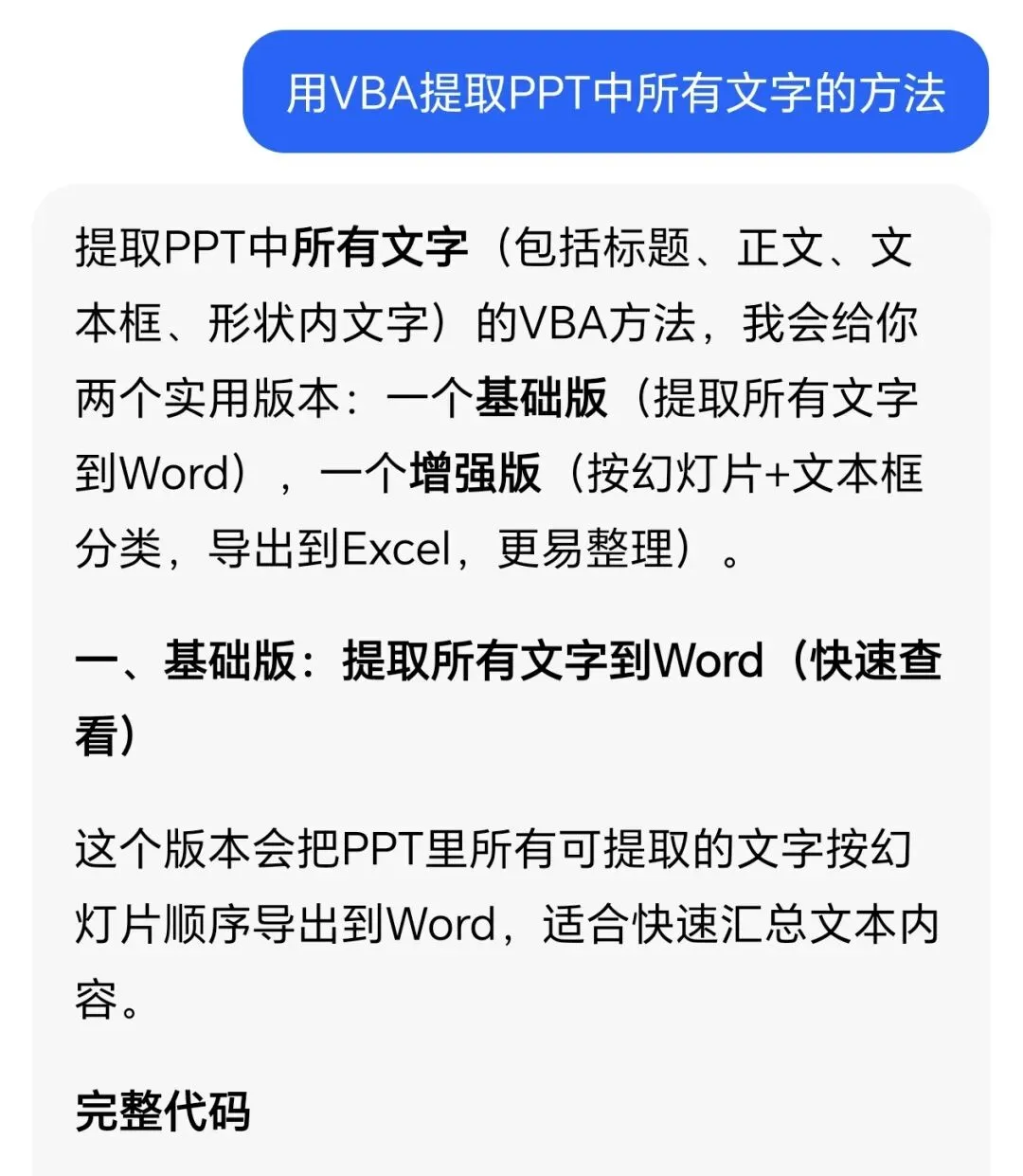
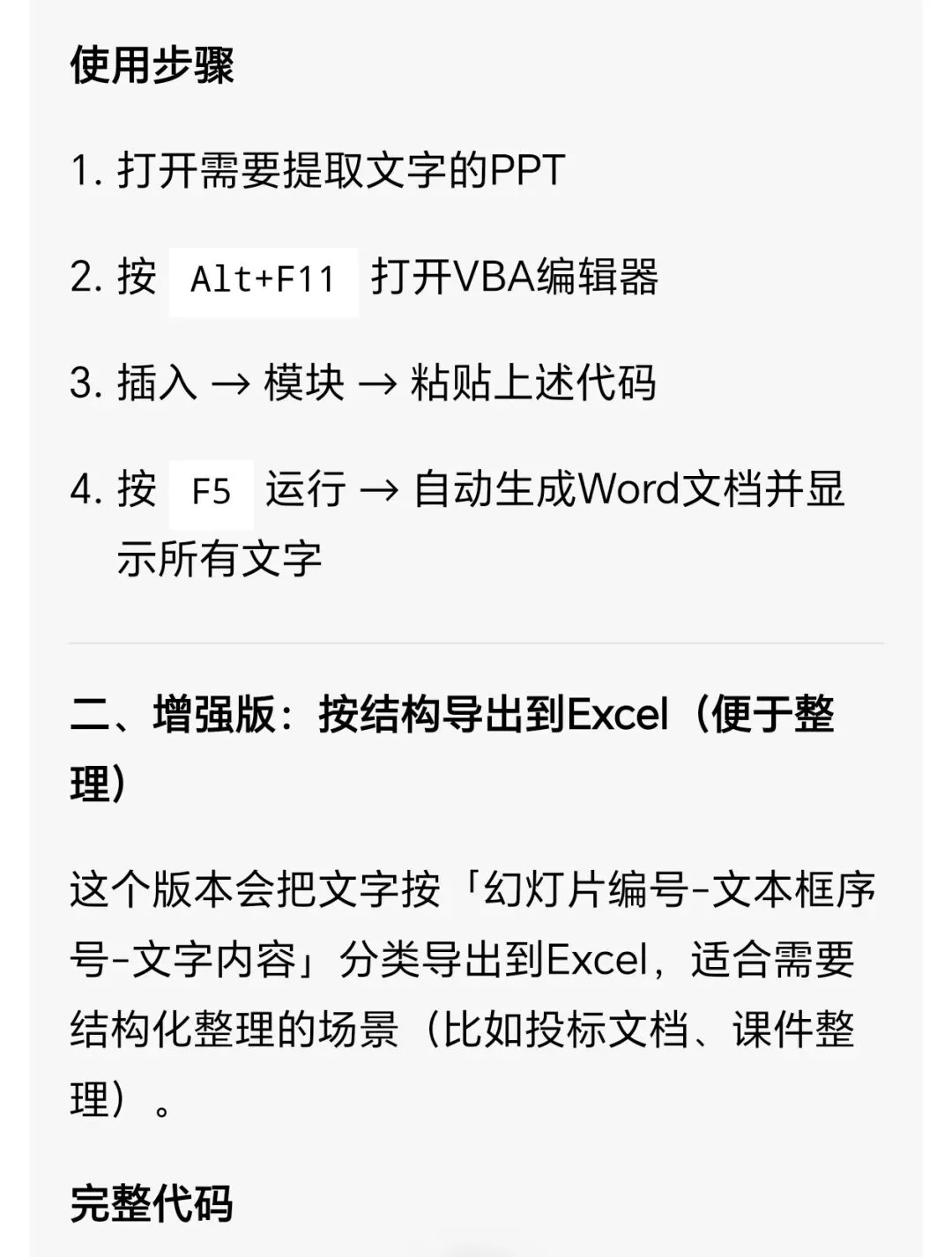
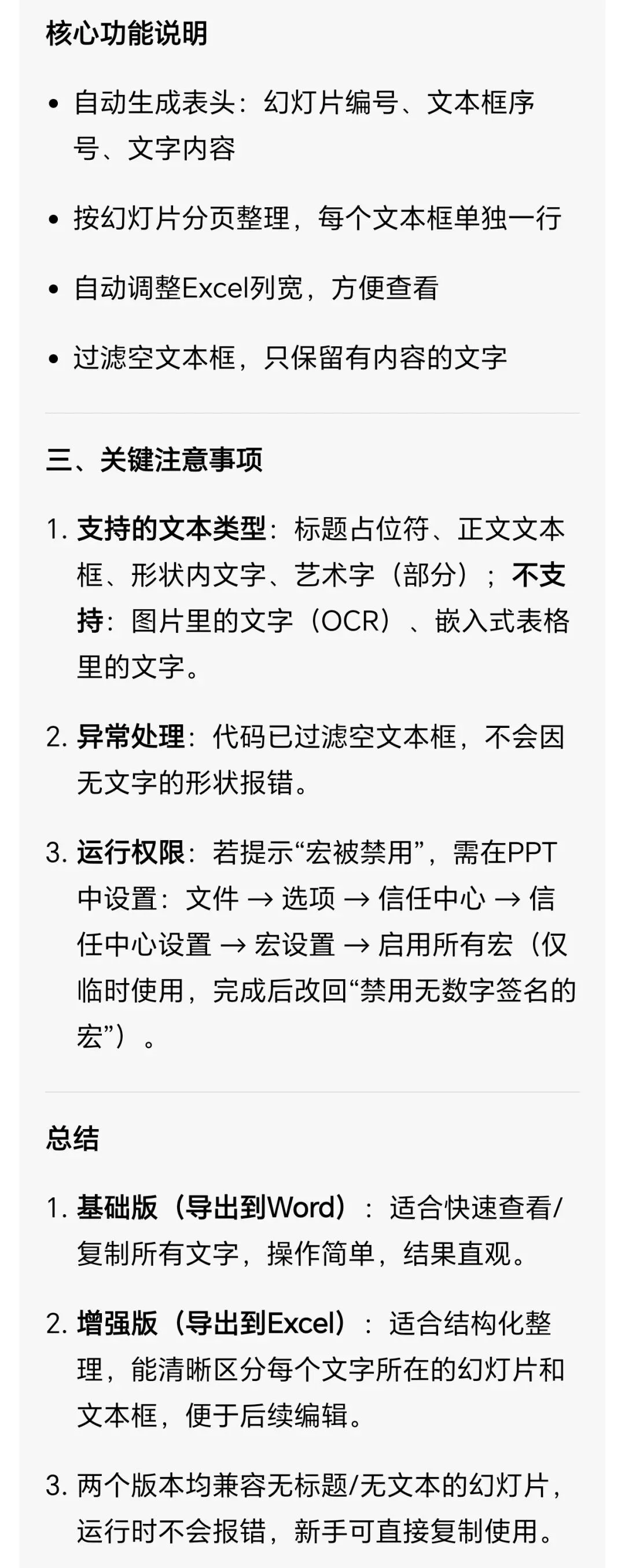
前两天由于工作需要,想把PPT中所有的文字提取到excel中进行编辑,如果一页一页复制再粘贴,太麻烦了,于是想到用VBA提取,VBA代码不会编写?那就让AI帮忙编吧!
下面是AI给出的答复,亲测有效,10秒搞定,需要的小伙伴直接拿走吧,不谢!
Sub ExtractAllTextToWord()
' 声明变量
Dim pptApp As Application, pptPres As Presentation, sld As Slide
Dim shp As Shape, wordApp As Object, wordDoc As Object
Dim i As Integer, textContent As String
' 初始化PPT对象
Set pptApp = Application
Set pptPres = ActivePresentation
' 创建Word对象并显示
Set wordApp = CreateObject("Word.Application")
wordApp.Visible = True
Set wordDoc = wordApp.Documents.Add
' 遍历每一页幻灯片
For Each sld In pptPres.Slides
i = i + 1
' 写入幻灯片编号
wordDoc.Content.InsertAfter "===== 第" & i & "页幻灯片 ======" & vbCrLf
' 遍历当前页所有形状
For Each shp In sld.Shapes
' 检查形状是否包含文本
If shp.HasTextFrame Then
If shp.TextFrame.HasText Then
' 提取文本内容
textContent = shp.TextFrame.TextRange.Text
' 过滤空文本
If Trim(textContent) <> "" Then
wordDoc.Content.InsertAfter textContent & vbCrLf & vbCrLf
End If
End If
End If
Next shp
' 每页之间加分隔线
wordDoc.Content.InsertAfter "-------------------------" & vbCrLf & vbCrLf
Next sld
' 提示完成
MsgBox "所有文字提取完成!已导出到Word文档。", vbInformation
' 释放对象
Set wordDoc = Nothing
Set wordApp = Nothing
Set shp = Nothing
Set sld = Nothing
Set pptPres = Nothing
Set pptApp = Nothing
End Sub
🔈🔈🔈🔈🔈🔈🔈🔈🔈🔈🔈🔈🔈🔈
Sub ExtractAllTextToExcel()
' 声明变量
Dim pptApp As Application, pptPres As Presentation, sld As Slide
Dim shp As Shape, excelApp As Object, excelWB As Object, excelWS As Object
Dim rowNum As Integer, shpNum As Integer, i As Integer
' 初始化PPT对象
Set pptApp = Application
Set pptPres = ActivePresentation
' 创建Excel对象并显示
Set excelApp = CreateObject("Excel.Application")
excelApp.Visible = True
Set excelWB = excelApp.Workbooks.Add
Set excelWS = excelWB.Worksheets(1)
' 设置Excel表头
excelWS.Cells(1, 1) = "幻灯片编号"
excelWS.Cells(1, 2) = "文本框序号"
excelWS.Cells(1, 3) = "文字内容"
' 表头加粗
excelWS.Range("A1:C1").Font.Bold = True
' 自动调整列宽
excelWS.Columns("A:C").AutoFit
rowNum = 2 ' 从第二行开始写入内容
' 遍历每一页幻灯片
For Each sld In pptPres.Slides
i = i + 1
shpNum = 0 ' 重置文本框序号
' 遍历当前页所有形状
For Each shp In sld.Shapes
' 检查是否有文本
If shp.HasTextFrame And shp.TextFrame.HasText Then
shpNum = shpNum + 1
' 写入数据到Excel
excelWS.Cells(rowNum, 1) = i
excelWS.Cells(rowNum, 2) = shpNum
excelWS.Cells(rowNum, 3) = shp.TextFrame.TextRange.Text
rowNum = rowNum + 1
End If
Next shp
Next sld
' 提示完成
MsgBox "所有文字提取完成!已导出到Excel文档。", vbInformation
' 释放对象
Set excelWS = Nothing
Set excelWB = Nothing
Set excelApp = Nothing
Set shp = Nothing
Set sld = Nothing
Set pptPres = Nothing
Set pptApp = Nothing
End Sub
🔈🔈🔈🔈🔈🔈🔈🔈🔈🔈🔈🔈🔈🔈
19米长,7米高,三层框架,橇装设备如何成撬设计?
1.有没有300℃的热水?2.啥是安托因方程?
橇装设计必备:手把手教你算准设备重心(附计算步骤)
免费分享三个小程序,你确定不来领么?
橇装模块化设计深度解析(PPT版本)
你喜欢足球诗人贺炜的这段解说词么?
Word上百张图片调大小一致,你只会手动输入尺寸?那你不加班谁加班?———看我如何3秒搞定!
 10个月宝宝每天需要喝多少奶粉?

