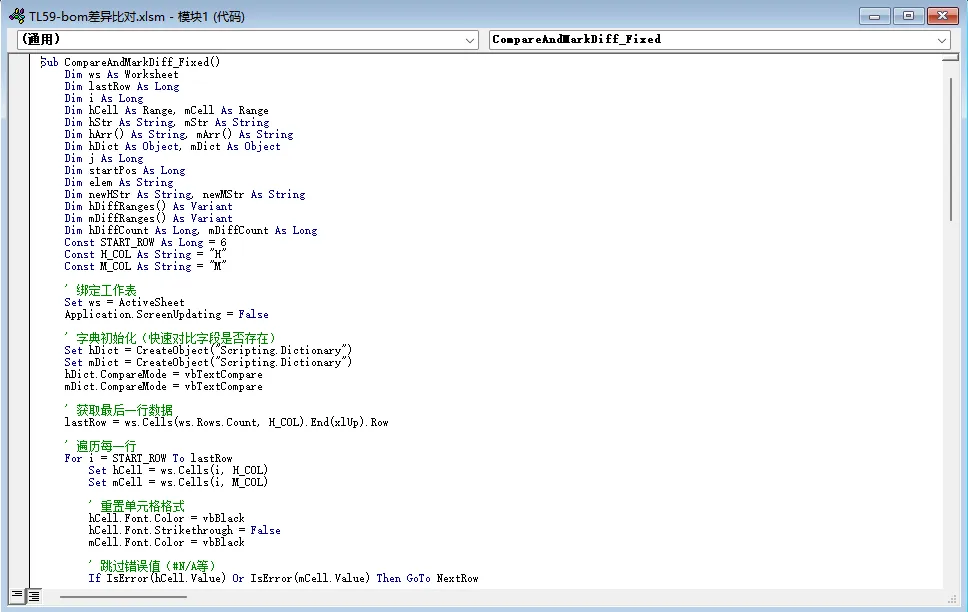
分享一个EXCEL内容差异对比的脚本
- 2026-04-25 21:26:36
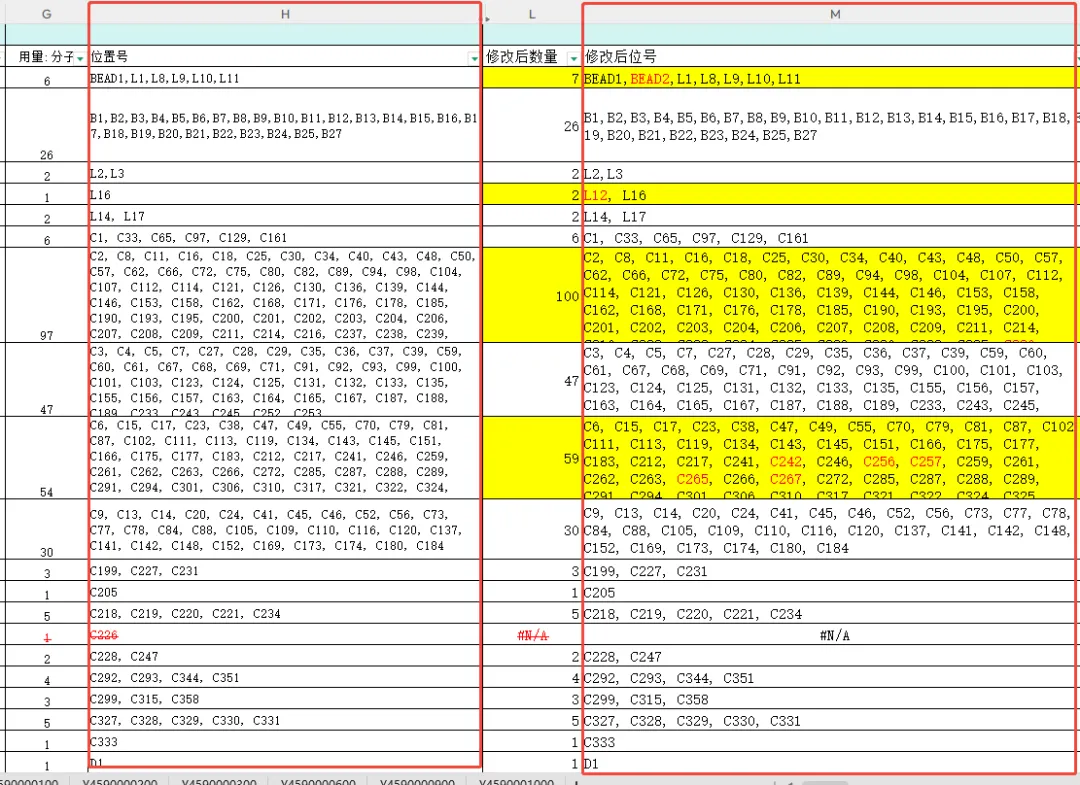
Sub CompareAndMarkDiff_Fixed()
Dim ws As Worksheet
Dim lastRow As Long
Dim i As Long
Dim hCell As Range, mCell As Range
Dim hStr As String, mStr As String
Dim hArr() As String, mArr() As String
Dim hDict As Object, mDict As Object
Dim j As Long
Dim startPos As Long
Dim elem As String
Dim newHStr As String, newMStr As String
Dim hDiffRanges() As Variant
Dim mDiffRanges() As Variant
Dim hDiffCount As Long, mDiffCount As Long
Const START_ROW As Long = 6
Const H_COL As String = "H"
Const M_COL As String = "M"
' 绑定工作表
Set ws = ActiveSheet
Application.ScreenUpdating = False
' 字典初始化(快速对比字段是否存在)
Set hDict = CreateObject("Scripting.Dictionary")
Set mDict = CreateObject("Scripting.Dictionary")
hDict.CompareMode = vbTextCompare
mDict.CompareMode = vbTextCompare
' 获取最后一行数据
lastRow = ws.Cells(ws.Rows.Count, H_COL).End(xlUp).Row
' 遍历每一行
For i = START_ROW To lastRow
Set hCell = ws.Cells(i, H_COL)
Set mCell = ws.Cells(i, M_COL)
' 重置单元格格式
hCell.Font.Color = vbBlack
hCell.Font.Strikethrough = False
mCell.Font.Color = vbBlack
' 跳过错误值(#N/A等)
If IsError(hCell.Value) Or IsError(mCell.Value) Then GoTo NextRow
' 读取单元格文本
hStr = CStr(hCell.Value)
mStr = CStr(mCell.Value)
' 按逗号拆分 + 去除首尾空格
hArr = Split(hStr, ",")
mArr = Split(mStr, ",")
For j = 0 To UBound(hArr): hArr(j) = Trim(hArr(j)): Next j
For j = 0 To UBound(mArr): mArr(j) = Trim(mArr(j)): Next j
' ==============================================
' 处理 H 列:多余字段 → 红色 + 删除线
' ==============================================
mDict.RemoveAll
For j = 0 To UBound(mArr)
If mArr(j) <> "" Then mDict(mArr(j)) = True
Next j
newHStr = ""
hDiffCount = 0
ReDim hDiffRanges(1 To 1000, 1 To 2)
startPos = 1
For j = 0 To UBound(hArr)
elem = hArr(j)
If elem = "" Then GoTo NextHElem
' 拼接标准格式文本
If newHStr <> "" Then
newHStr = newHStr & ", "
startPos = startPos + 2
End If
newHStr = newHStr & elem
' 记录差异位置
If Not mDict.Exists(elem) Then
hDiffCount = hDiffCount + 1
hDiffRanges(hDiffCount, 1) = startPos
hDiffRanges(hDiffCount, 2) = Len(elem)
End If
startPos = startPos + Len(elem)
NextHElem:
Next j
' 写回数据并标记格式
hCell.Value = newHStr
For j = 1 To hDiffCount
With hCell.Characters(hDiffRanges(j, 1), hDiffRanges(j, 2))
.Font.Color = vbRed
.Font.Strikethrough = True
End With
Next j
' ==============================================
' 处理 M 列:新增字段 → 纯红色字体
' ==============================================
hDict.RemoveAll
For j = 0 To UBound(hArr)
If hArr(j) <> "" Then hDict(hArr(j)) = True
Next j
newMStr = ""
mDiffCount = 0
ReDim mDiffRanges(1 To 1000, 1 To 2)
startPos = 1
For j = 0 To UBound(mArr)
elem = mArr(j)
If elem = "" Then GoTo NextMElem
' 拼接标准格式文本
If newMStr <> "" Then
newMStr = newMStr & ", "
startPos = startPos + 2
End If
newMStr = newMStr & elem
' 记录差异位置
If Not hDict.Exists(elem) Then
mDiffCount = mDiffCount + 1
mDiffRanges(mDiffCount, 1) = startPos
mDiffRanges(mDiffCount, 2) = Len(elem)
End If
startPos = startPos + Len(elem)
NextMElem:
Next j
' 写回数据并标记格式
mCell.Value = newMStr
For j = 1 To mDiffCount
mCell.Characters(mDiffRanges(j, 1), mDiffRanges(j, 2)).Font.Color = vbRed
Next j
NextRow:
Next i
' 恢复设置
Application.ScreenUpdating = True
Set hDict = Nothing: Set mDict = Nothing
MsgBox "处理完成!" & vbCrLf & _
"? H列差异:红色+删除线" & vbCrLf & _
"? M列差异:红色字体", vbInformation
End Sub